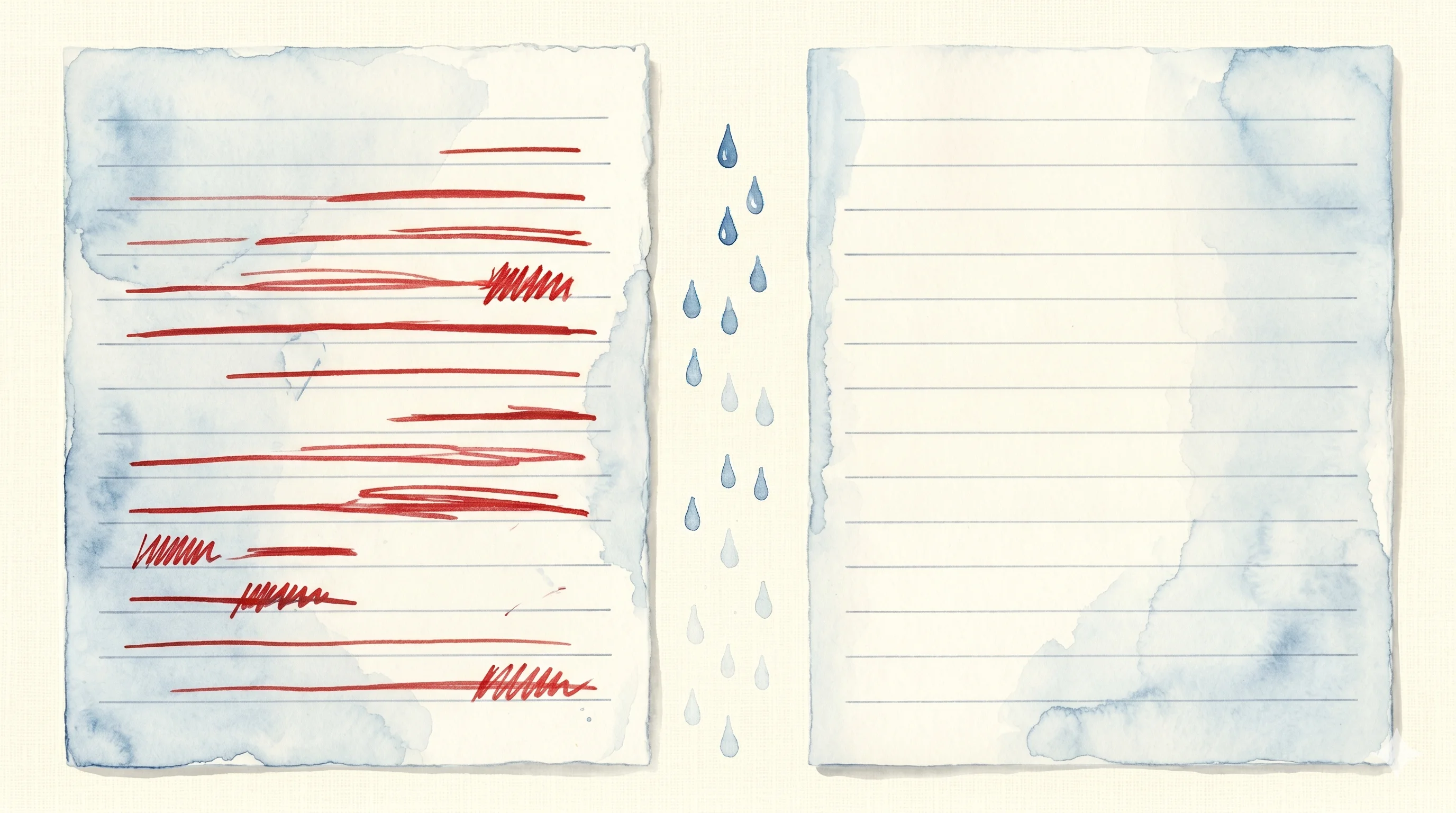
Build Your Own Self-Tuning Loop — Reference Implementation Guide
Self-Tuning Loop 4 steps (Generate → Capture → Analyze → Evolve) extracted as a universal module. Supabase DDL, diff capture utilities, analysis/evolution prompts, email/blog examples, GitHub reference implementation.
Part 1 introduced the concept, Part 2 dissected a live production system. This part extracts the Self-Tuning Loop’s core pattern into a module you can build yourself.
All code and prompts in this article are open source on GitHub.
Module Structure
Self-Tuning Loop consists of 4 independent components.
self-tuning-loop/
├── supabase/migrations/
│   └── 001_init.sql                   # 3-table DDL
├── src/
│   ├── capture.ts                     # Store drafts + capture edits
│   ├── analyze.ts                     # Pattern extraction (CLI)
│   ├── evolve.ts                      # Auto-patch guidelines (--dry-run supported)
│   ├── score.ts                       # Quality score tracking across versions
│   ├── llm.ts                         # LLM abstraction (swap model/provider)
│   └── supabase.ts                    # DB client
├── prompts/
│   ├── analyze-diffs.md               # Pattern extraction prompt
│   └── evolve-guidelines.md           # Safe/Risky evolution prompt
├── guidelines/
│   ├── example-email.md               # Email guideline example
│   ├── example-blog.md                # Blog guideline example
│   └── example-linkedin.md            # LinkedIn guideline example
├── .github/workflows/
│   └── self-tune.yml                  # Weekly auto-run workflow
└── setup.sh                           # One-command setup
Each component is independently replaceable. Use a different DB instead of Supabase, or just take the analysis prompt and plug it into your existing system.
Code in this article is simplified for conceptual clarity. Full error handling,
--dry-run, quality score tracking, and more are in the GitHub repo.
Step 1: Schema — Storing Drafts and Finals Together
Self-Tuning Loop’s first premise: the draft and final version must be stored in the same place.
create table drafts (
  id uuid default gen_random_uuid() primary key,
  domain text not null,              -- 'email', 'blog', 'linkedin', etc.
  created_at timestamptz default now(),

  -- Generate step
  input text,                        -- what the user requested
  ai_draft text not null,            -- AI-generated draft
  guidelines_version int default 1,  -- which guideline version produced this

  -- Capture step
  human_final text,                  -- user's edited final version
  finalized_at timestamptz,
  diff_summary text,                 -- LLM-generated diff summary

  -- Feedback
  feedback_rating smallint,          -- 1=👎, 5=👍 (optional)
  feedback_comment text
);

create table analysis_runs (
  id uuid default gen_random_uuid() primary key,
  domain text not null,
  analyzed_at timestamptz default now(),
  draft_count int,
  patterns jsonb,
  applied boolean default false
);

create table guidelines (
  id serial primary key,
  domain text not null,
  version int not null,
  content text not null,
  created_at timestamptz default now(),
  source text,                       -- 'manual' | 'auto_evolve' | 'review_suggestion'
  analysis_run_id uuid references analysis_runs(id)
);
Three tables.
| Table | Role | Written By |
|---|---|---|
drafts | Draft + final + diff | App (Generate/Capture) |
analysis_runs | Pattern analysis results | Analyze cron |
guidelines | Guideline version history | Evolve cron |
Step 2: Capture — Diff Extraction
When a user edits an AI draft into a final version, extract the diff.
// src/capture.ts
export async function captureFinal({ draftId, humanFinal }: CaptureInput) {
  // 1. Fetch original draft
  const { data: draft } = await supabase
    .from('drafts')
    .select('ai_draft')
    .eq('id', draftId)
    .single();

  if (!draft) throw new Error(`Draft ${draftId} not found`);

  // 2. Generate diff summary via LLM
  const diffSummary = await generateDiffSummary(draft.ai_draft, humanFinal);

  // 3. Store
  await supabase
    .from('drafts')
    .update({
      human_final: humanFinal,
      finalized_at: new Date().toISOString(),
      diff_summary: diffSummary,
    })
    .eq('id', draftId);

  return diffSummary;
}
The key is diff_summary. You could use text diff algorithms (Myers diff) for line-level changes, but having an LLM summarize in “semantic units” is far more useful for the Analyze step.
// Line-level diff (mechanical)
- "The advancement of AI technology is bringing great changes to our society."
+ "Enterprise adoption rose 34% within 3 months of GPT-4o's launch."

// Semantic diff (LLM summary)
Change: Abstract statement → concrete data + proper nouns
Inferred intent: Provide immediate credibility signal in opening
The latter is meaningful input for pattern analysis.
Step 3: Analyze — Pattern Extraction Prompt
Once enough diffs accumulate, analyze for patterns. This prompt is the core of Self-Tuning Loop.
## Role
You are an expert at analyzing a user's editing patterns.

## Input
Below are diff summaries from the last {N} AI drafts edited by the user.
Domain: {domain}

{diff_summaries}

## Instructions
1. Identify edits repeating 3+ times as patterns
2. Classify each: tone/style, structure, content, format
3. Safe/Risky: 70%+ frequency AND style = safe; otherwise risky

## Output (JSON)
{ "patterns": [...], "summary": "...", "confidence": "high|medium|low" }
Step 4: Evolve — Auto-Patch Guidelines
Apply Safe patterns from analysis to guidelines.
## Rules
1. **Add only.** Never modify or remove existing rules.
2. Match existing format and style.
3. Skip patterns that duplicate existing rules.
4. Append `(auto: {date})` to each added rule.
Example: Email Auto-Tuning
Initial guidelines:
## Email Writing Guidelines v1
- Tone: Business casual
- Greeting: Start with "Hi {name},"
- Length: 3-5 sentences
- Sign-off: "Best, {my name}"
After 2 weeks of auto-evolution:
## Email Writing Guidelines v4 (auto-evolved)
- Tone: Business casual
- Greeting: Start with "Hi {name},"
- Length: 3-5 sentences
- Sign-off: "Best, {my name}"
+ - Start first sentence by summarizing the key point from their previous email (auto: 2026-04-07)
+ - Replace "please confirm" with specific action items (auto: 2026-04-07)
+ - Use numbered lists when 2+ requests (auto: 2026-04-14)
+ - External meetings: formal tone; internal: casual (auto: 2026-04-14)
The user never wrote these rules. Just editing emails daily was enough for the system to capture patterns and auto-add them.
Example: Blog Tone Evolution
{
  "patterns": [
    {
      "name": "Shorter intros",
      "frequency": "9/12 (75%)",
      "category": "structure",
      "change": "3-4 sentence intros reduced to single sentence",
      "classification": "safe"
    },
    {
      "name": "Data-first ordering",
      "frequency": "10/12 (83%)",
      "category": "content",
      "change": "Claim→evidence reordered to evidence→claim",
      "classification": "safe"
    },
    {
      "name": "Remove conclusions",
      "frequency": "7/12 (58%)",
      "category": "structure",
      "change": "Summary conclusions deleted, natural ending at last section",
      "classification": "risky"
    }
  ]
}
“Shorter intros” and “Data-first” are Safe (70%+, auto-applied). “Remove conclusions” is Risky (58%, suggest only) — structural changes like this require human confirmation.
Operational Tips
Minimum Starting Data
Self-Tuning Loop works from as few as 3 diffs. 10 makes patterns clear. 30 gives high-confidence Safe classifications. Start with manual prompt editing in week 1, turn on the loop from week 2.
Domain Separation
Don’t mix email and blog under the same domain. If “maintain formal tone” is classified Safe for email, it could leak into blog guidelines. Keep guidelines independent per domain.
Guideline Bloat Prevention
Guidelines that keep growing degrade LLM instruction following. Empirically, 20 rules is the sweet spot. Review quarterly and prune rules that are no longer relevant.
The “Add Only” Rule in Evolve
Evolve is designed to never modify or delete existing rules. If an automated system touches existing rules, it could erase rules the user intentionally placed. Deletion/modification is always done by humans.
Quick Start
1. Create a Supabase Project
Free tier is sufficient. Run 001_init.sql in the SQL Editor.
2. Clone and Setup
git clone https://github.com/minjikim89/self-tuning-loop
cd self-tuning-loop
./setup.sh
3. Integrate Generate + Capture in Your App
Store ai_draft in the drafts table when generating, call captureFinal() when the user finishes editing.
4. Run Weekly Analyze + Evolve
npm run analyze -- email 7        # analyze email domain, last 7 days
npm run evolve -- email --dry-run # preview (no changes saved)
npm run evolve -- email           # apply Safe patterns
npm run score -- email            # quality score by version
A GitHub Actions workflow (.github/workflows/self-tune.yml) is included — just add secrets and it runs weekly automatically.
Extensibility
Team-Level Application
Add a team-wide guidelines layer on top of individual ones. Individual diffs feed individual guidelines; patterns common across all team members feed the team guidelines.
Team guidelines (shared) + Personal guidelines (unique) = Final promptCross-Domain Learning
A “data first” pattern learned in email might also apply to reports. The analysis step can detect cross-domain common patterns and suggest them to related domains.
A/B Testing
When creating a new guideline version, run it alongside the old one and measure which produces smaller diffs (less editing). This is prompt-level A/B testing.
Conclusion: Prompts Are Code
One sentence summary:
Prompts are not static configuration — they are code that evolves with the user.
Code has version control, tests, and deployment pipelines. Prompts should too. Self-Tuning Loop gives prompts version control (guidelines table) + auto-testing (Analyze) + auto-deployment (Evolve).
One difference from code: code tests are automated assertions, but Self-Tuning Loop’s tests are the user’s actual edits. Slower, but more honest feedback.
AI that adapts to you the more you use it. It starts with something as simple as “storing both the draft and the final version.”
This Series
- Part 1: The Wasted Learning Signal
- Part 2: Cron + Telegram + Claude System Anatomy
- Part 3: Build Your Own Self-Tuning Loop (this post) | GitHub
Related Posts
- Agent System Design Canvas — 12 production agent patterns
- My Memory System — A similar pattern for guideline version control
- Solo Builder OSS Monetization — Monetizing open source like this repo
Related Projects
- WICHI — GEO (Generative Engine Optimization) SaaS
- Make Me Unicorn — Open-source README generator
- Claude Study — Claude Code learning guide (22 chapters, 3 languages)
References
- Self-Tuning Loop GitHub: https://github.com/minjikim89/self-tuning-loop
- Supabase Quick Start: https://supabase.com/docs/guides/getting-started
Related Posts

The Wasted Learning Signal — The Gap Between AI Drafts and What You Actually Publish
Introducing Self-Tuning Loop: capture implicit feedback from human edit diffs, analyze patterns periodically, and auto-evolve prompt guidelines. Includes academic gap analysis (DSPy, TextGrad, POHF).
Cron + Telegram + Claude: Anatomy of a Self-Improving System at $0
The actual production system implementing Self-Tuning Loop from Part 1. Data collection (35 sources), AI curation, Telegram input pipeline, weekly auto-review, and Syncthing-based zero-deploy prompt evolution.
Multi-Agent Workflow — 6 Patterns from Supervisor to Swarm
Six core patterns of multi-agent workflow (Supervisor / Sequential / Hierarchical / Network / Swarm / Map-Reduce), grounded in primary sources from LangGraph, CrewAI, OpenAI, and Anthropic. Each pattern's topology and fit, plus a decision framework for production.